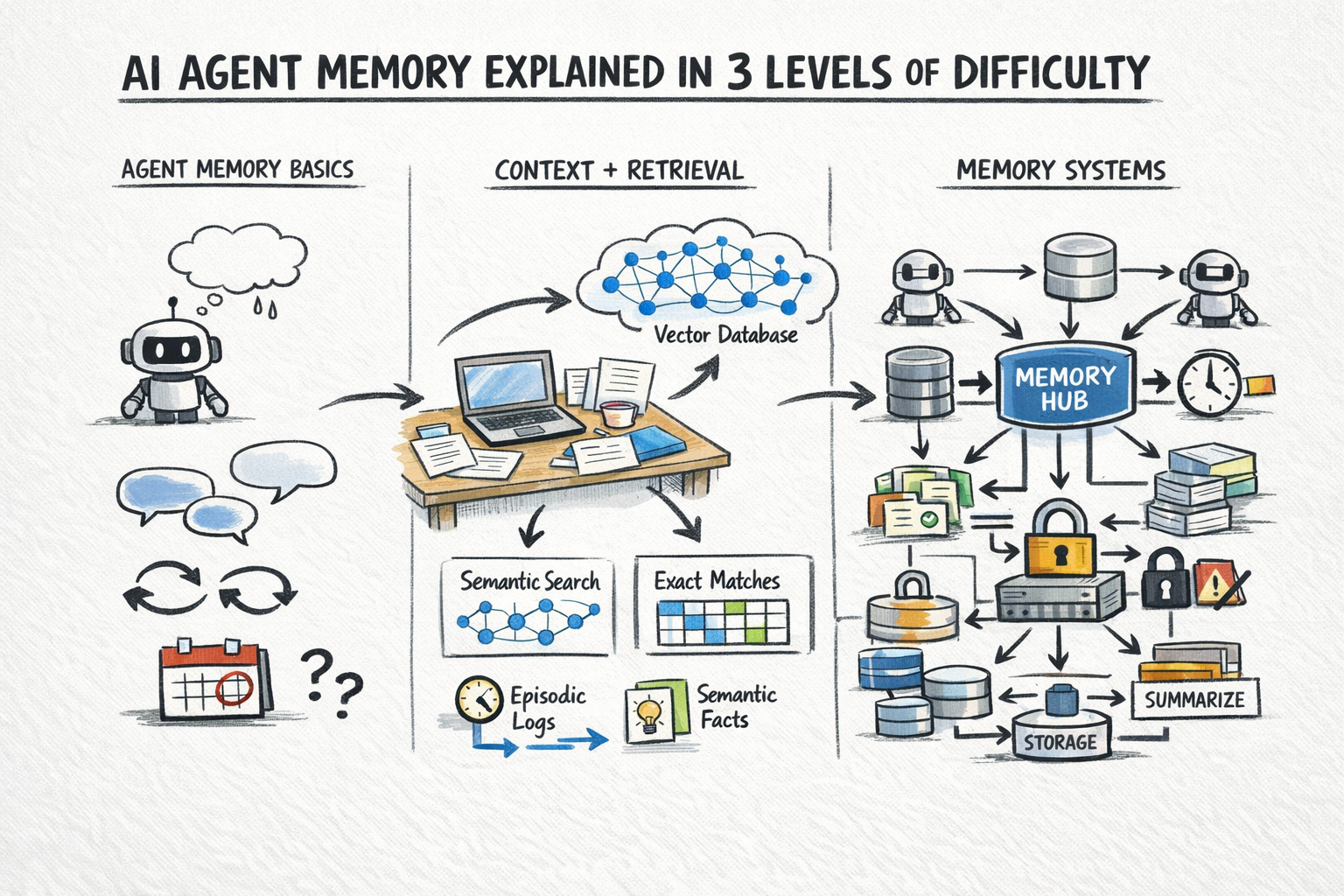
If you’ve been building AI agents lately, you’ve probably hit the exact same wall I did.
You spend hours crafting the perfect system prompt, hooking up external tools, and tweaking temperature settings. It works flawlessly. But the second you close the terminal and come back later? Complete amnesia. The agent has no idea who you are or what you talked about yesterday.
For a while, my « fix » was just dumping chat logs into a PostgreSQL database with PGVECTOR. It felt like I was spending more time writing database wrappers than actually building AI. But simply appending chat history isn’t real memory. It’s just a searchable trash can of past conversations.
Then I stumbled onto Mem0.
What is Mem0 (and what is Agentic Memory)?
Mem0 (built by the Embedchain team) is an open-source memory layer specifically built for Large Language Models.
Standard RAG (Retrieval-Augmented Generation) just retrieves documents based on keyword similarity. Agentic memory, on the other hand, is dynamic. It actually understands context, extracts specific entities (like your name, your job, your preferences), and most importantly updates itself when facts change over time.
Let’s skip the heavy theory and just build something on my laptop.
Setting up the Environment
First, we need to install the package. It’s built in Python, which is perfect if you’re using FastAPI or just writing CLI scripts.
Kbilel# pip install mem0ai openaiKbilel# export OPENAI_API_KEY="sk-your-secret-api-key"
(Note: Mem0 uses OpenAI by default to extract entities and handle embeddings under the hood, but you can easily configure it to use local open-source models like Ollama if you prefer).
Now, let’s initialize the memory client in our script:
from mem0 import Memory# Initialize Mem0 (it uses SQLite and ChromaDB locally by default)m = Memory()
The 3 Types of Memory You Actually Need
To make an agent feel genuinely smart, it needs to manage different levels of context. Mem0 handles three distinct layers automatically.
1. Short-Term Memory (The Session)
Imagine you are debugging a specific deployment issue. The agent needs to remember the error logs for the next 10 minutes, but it shouldn’t bring them up again next month. We handle this using a session_id.
user_id = "bilel_k"session_id = "debug_docker_01"m.add( "I'm trying to deploy a Docker container to Cloud Run but port 8080 is failing.", user_id=user_id, session_id=session_id)m.add( "Wait, I just realized my Dockerfile exposes port 5000.", user_id=user_id, session_id=session_id)
When you query this specific session later, Mem0 acts as a hyper-focused scratchpad. It isolates the context so your LLM doesn’t get distracted by older projects.
2. Long-Term Memory (The User Profile)
This is the holy grail of personalization. Long-term memory captures facts across all sessions and interactions.
Python
# Adding global facts (no session_id needed)m.add( "I'm a backend developer based in France. I strictly use Pycharm as my IDE.", user_id=user_id)m.add( "When building APIs, I prefer FastAPI over Flask, and I use Docker for everything.", user_id=user_id)
Here is the cool part. Mem0 doesn’t just save those raw sentences. It actively processes them and extracts the core entities:
- Location: France
- Role: Backend Developer
- Preferred IDE: Pycharm
- Preferred Framework: FastAPI
3. Conflict Resolution (The Magic Feature)
This is where standard vector databases fail miserably. People change their minds. Tech stacks evolve.
What happens if I decide to ditch my current setup and move to something else?
Python
# The user changes a fundamental preferencem.add( "Actually, I uninstalled Pycharm. I'm just using Neovim in the terminal now.", user_id=user_id)
If you were just using basic RAG, a search for « IDE » would return both Pycharm and Neovim. The LLM would get confused and hallucinate a weird answer. 🗑️
Mem0 recognizes the semantic collision. It automatically updates the underlying memory graph, overwriting the old preference with the new one.
Let’s test it out:
query = "I want to write a new Python script, what editor should I open?"relevant_memories = m.search(query, user_id=user_id)for mem in relevant_memories: print(mem["text"])
Output:
The user is a backend developer based in France. The user uses Neovim in the terminal.
Pycharm is completely gone from the context, exactly as it should be.
Hooking it up to your LLM
Now, all you have to do is inject this clean, updated context directly into your prompt.
from openai import OpenAIclient = OpenAI()# Flatten the memories into a single stringcontext_string = "\n".join([mem["text"] for mem in relevant_memories])prompt = f"""You are an expert coding assistant.Always tailor your answers to the user's known preferences:{context_string}"""response = client.chat.completions.create( model="gpt-4o", messages=[ {"role": "system", "content": prompt}, {"role": "user", "content": "How should I structure my new project?"} ])print(response.choices[0].message.content)
Because of the injected context, the LLM will instantly suggest a FastAPI structure and tell you to open Neovim. No generic boilerplate. No asking for your tech stack again.
Wrapping Up
Abstracting your memory layer is a total game changer. By letting Mem0 handle the embedding, extraction, and conflict resolution, you can finally focus on building the actual application logic instead of babysitting a Postgres database.
Give it a shot on your next weekend project. Once you stop hardcoding memory, you won’t want to go back.

